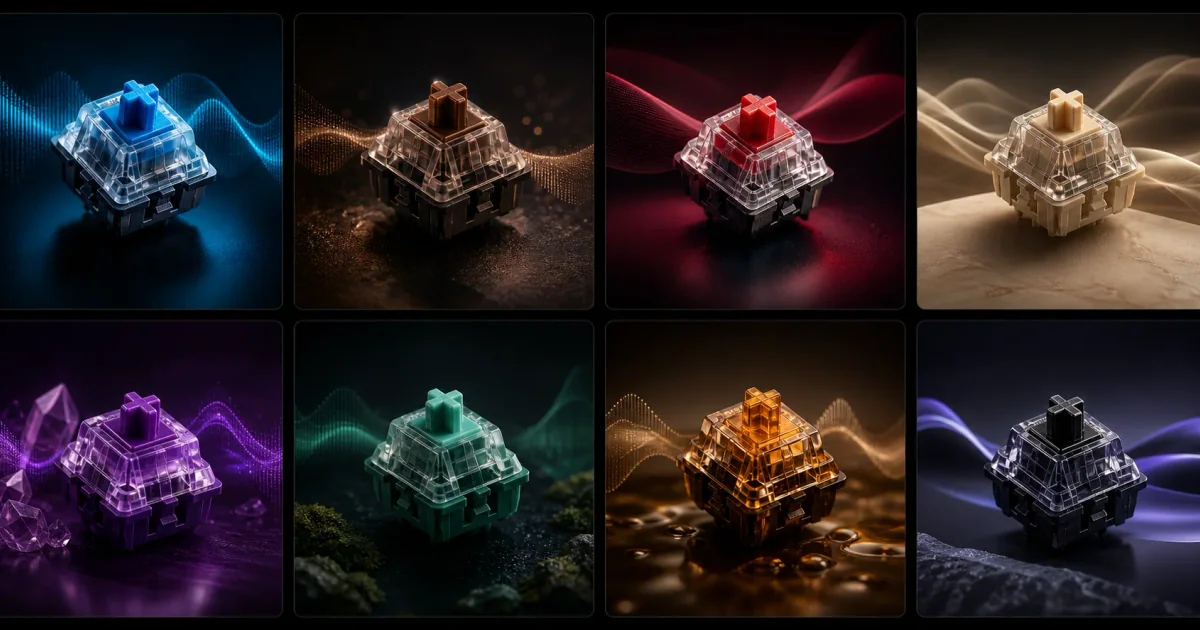
Choose Klakk if you want to select from fourteen included mechanical recordings and try them in your usual apps before buying. Consider Teclo if you want to design, record or import sounds on a Mac, with an optional animated companion. Listen to the offered sounds, then compare the purchase for the edition you intend to keep.
I’m Levin, Klakk’s developer, and prepared this comparison with AI assistance. We checked the linked public offers on November 1, 2026, and rechecked the published trial and license terms on November 6, 2026 (UTC). We checked Klakk’s current purchase and license terms on November 21, 2026 (UTC). We have not installed Teclo, tested its sounds or completed either purchase for this comparison.
Hear Klakk’s fourteen packs · Try website Mac · Try Klakk for Windows
Compare the website editions
Teclo’s own Klakk comparison, marked updated October 22, links to Klakk’s Mac App Store listing and Product Hunt. Its Store purchase information belongs to that channel. This page compares Klakk’s website editions with Teclo’s direct Mac offer; a website license does not unlock Klakk’s separate App Store edition.
| Purchase condition | Klakk website editions | Teclo’s published direct offer |
|---|---|---|
| Included sounds | Fourteen mechanical recordings | Sixteen synthesized packs in five categories |
| Making your own sound | No supported custom-file import or sound generator | Published design, microphone-recording and WAV-import controls |
| Animated companion | No desktop pet | A keycap pet, which its support guide says you can hide |
| Supported platform | Mac: macOS 14+, Intel and Apple silicon. Separate Windows edition: Windows 10/11, native x64 and ARM64 | Checked offer is for Mac, requiring macOS 13+ |
| Trial | Three days from first launch | One day for a new trial |
| Website price | US$6.99 once per platform, plus applicable tax | Advertised a $4.99 one-time price on November 21 |
| Personal computers | A new Creem license covers up to three compatible devices you personally own on the purchased platform | Personal license for up to three Macs you own or control |
On November 21, 2026 (UTC), Teclo’s homepage advertised a one-time price of $4.99, reduced from $9.99, without giving an end date. We have not opened its checkout or verified a regional currency or tax total.
Hear a recording or make a different sound
Klakk’s included library suits someone who wants to choose a recording and start typing. Its fourteen-pack preview has a click or tap button for each pack. Each deliberate activation plays that pack’s original A-key sample once; the original keyboard Demo remains available for trying other keys. Browser playback helps you choose a recording. The installed trial lets you judge it in the apps and audio setup you normally use.
Teclo’s support guide documents a different creation route: five sound-design controls, recording with a microphone, and importing prepared WAV packs. It also explains how to turn the pet off. Those are published features, rather than controls we have tested.
If making your own audio is the reason to buy, those tools matter more than comparing the two catalog sizes. If one of Klakk’s included recordings is what you want to hear, a generator or companion may add little to your choice. Neither recorded nor synthesized audio establishes a universal listening winner. Our recordings and generated-sounds guide explains that distinction.
Check the trial for a new installation
Teclo’s comparison page, terms updated October 25 and support guide list one day for a new trial. The support guide says trials already started on Teclo 1.0.10 or earlier keep their original seven days. We have not installed Teclo or timed its trial.
Klakk’s website Mac and Windows editions each provide three days from first launch. Start when you have time to use the included sounds in your normal apps. A browser preview and an installed trial answer different questions; a refund after paying is another stage.
Match the license to your computers
Teclo’s terms grant a personal, non-transferable license for up to three Macs you own or control. Its support documentation describes activating each Mac and managing devices through its customer portal. We have not tested those activations or that portal.
Klakk’s website terms allow personal use and everyday commercial work, with restrictions on resale, sublicensing and sharing purchased access. A new Creem license covers up to three compatible devices you personally own on the purchased platform. Existing Pancake and Creem licenses remain supported.
Website Mac, website Windows and Mac App Store purchases are separate Klakk licenses. For your own Mac and Windows PC, choose the two website editions separately. The Windows installer is unsigned. For a household or another person’s access, review the computer and family-license distinctions before paying.
Choose the part you want to keep
For Klakk, start with a recording you enjoy in the fourteen-pack preview, then use the Mac or Windows website trial. The purchase includes those fourteen packs; they are not individual paid sound purchases.
For Teclo, use its official previews and published creation controls to decide whether its sound-making tools or optional pet are the attraction.
Both Mac offers require Input Monitoring according to their current documentation. Neither app changes your keyboard’s physical switches or tactile resistance. We have not established a speed, concentration, resource-use or latency advantage for either product.